















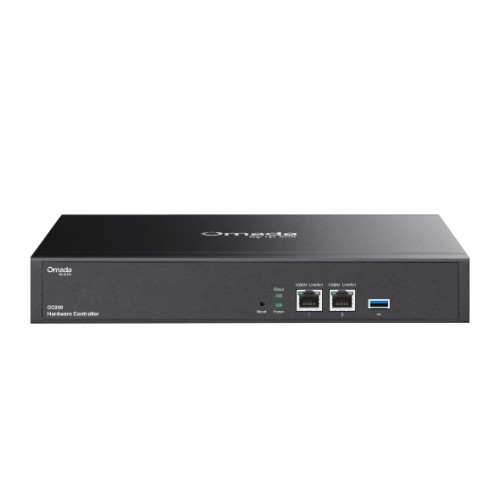
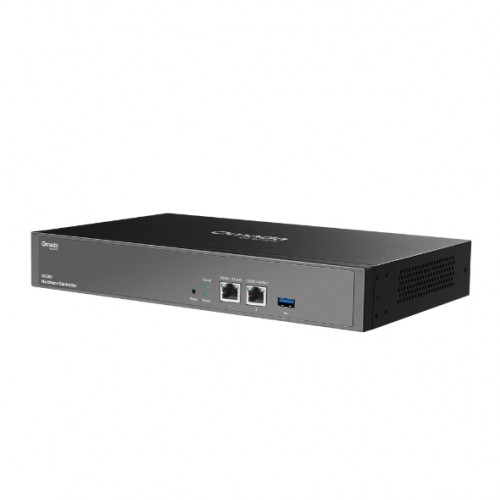
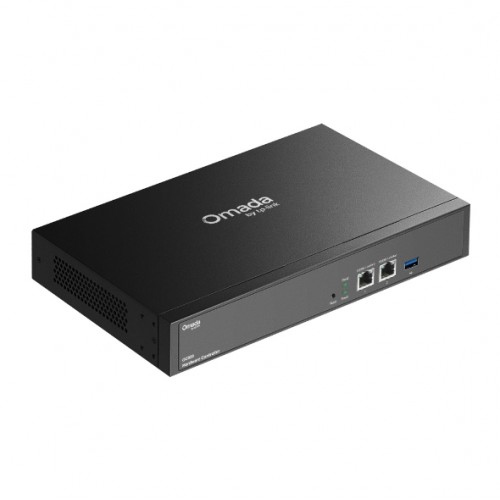
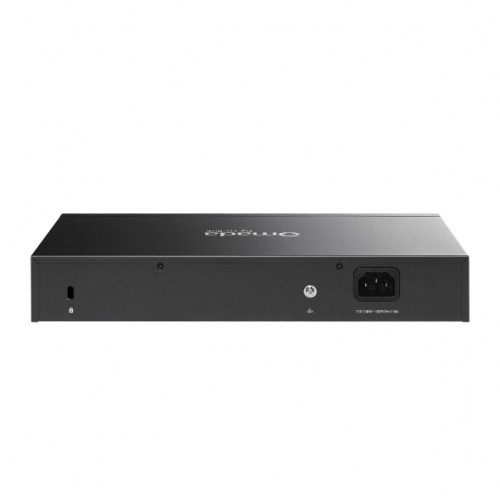
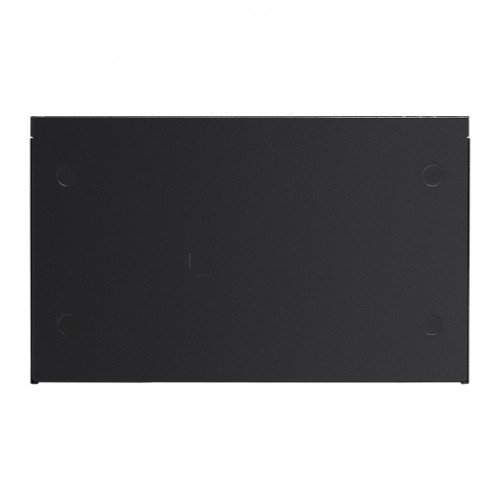
The Omada OC300 is a compact hardware controller designed to provide reliable, always-on centralised management for Omada networks. Ideal for small to medium deployments, it enables unified control of Omada access points, switches, and gateways without the need for a dedicated PC or server.
Acting as the core of an Omada SDN deployment, the OC300 supports centralised configuration, real-time monitoring, and streamlined network administration from a single interface. Features such as batch configuration, remote firmware updates, and intuitive device management help reduce operational complexity while maintaining full network visibility.
Designed for continuous operation, the OC300 offers stable and dependable performance in offices, retail environments, education, hospitality, and multi-site business networks. Supporting both local and cloud-based access, it provides flexible management while ensuring consistent control of the entire Omada infrastructure in a compact, space-efficient form factor.
Features
- Supports up to 500 Omada access points, 100 Omada routers, a maximum of 100 Omada switches, and a maximum of 5 certain DeltaStream GPON OLTs
- Manage and monitor with the Omada app or Web UI from anywhere, anytime
- Locally monitor and manage devices with the ultimate security and stability
- A powerful chipset, durable metal casing, USB 3.0 port for auto backup, and two Gigabit ports
- The easy-to-use dashboard makes it simple to see the real-time network status and traffic distribution
- Helps IT admins quickly see and troubleshoot connections at a glance
- Wi-Fi heat map simulator, visualisable network report, and batch & multi-site management benefit network maintenance
Kit Contents
- 1x Omada Hardware Controller OC300
- 1x Quick Installation Guide
- 1x Ethernet Cable
- 1x Power Cord
- 1x Rackmount Kit
Manuals & Data sheet
Technical
| Specification | Value |
|---|---|
| Interface | • 2x 10/100/1000 Mbps Ethernet Ports • 1x USB 3.0 Port |
| Power Supply | 100-240 V~50/60 Hz, 0.6 A |
| Dimensions (W x D x H) | 11.6 x 7.1 x 1.7in (294 x 180 x 44mm) |
| Omada App | Yes |
| Centralised Management | • 500 Omada access points • 100 Omada routers • A maximum of 100 Omada switches† • A maximum of 5 certain DeltaStream GPON OLTs |
| Cloud Access | Yes |
| L3 Management | Yes |
| Multi-site Management | Yes |
| Management Features | • Automatic Device Discovery • Batch Configuration • Batch Firmware Upgrading • Intelligent Network Monitoring • Abnormal Event Warnings • Unified Configuration • Reboot Schedule • Captive Portal Configuration |
| Certification | CE, FCC, RoHS |
| Package Content | • Omada Hardware Controller OC300 • Quick Installation Guide • Ethernet Cable • Power Cord • Rackmount Kit |
| System Requirements | Microsoft Windows 10, 8, 7, Vista, XP or macOS, NetWare, UNIX or Linux |
| Environment | • Operating Temperature: 0 ~ 50°C (32 ~ 122°F) • Storage Temperature: -40 ~ 70°C (-40 ~ 158°F) • Operating Humidity: 10 ~ 90% RH non-condensing • Storage Humidity: 5 ~ 90% RH non-condensing |