















Click Image for Gallery
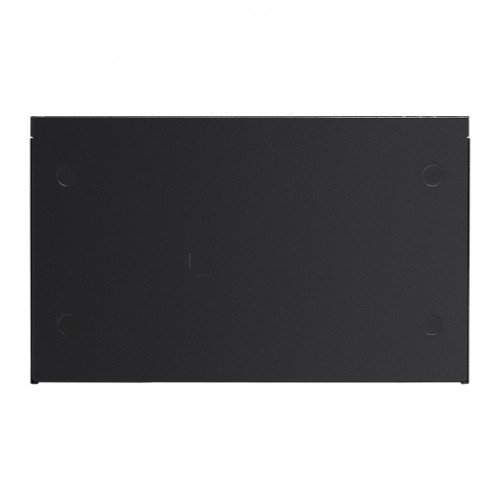
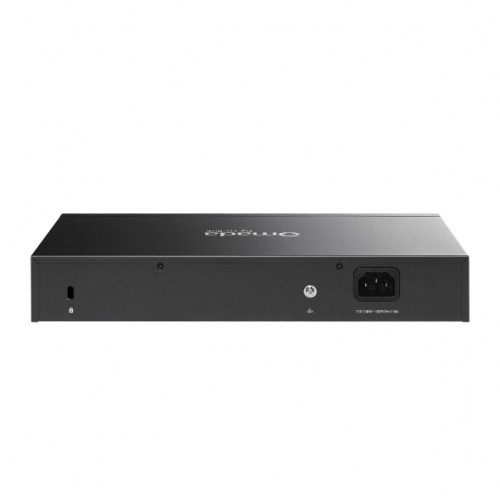
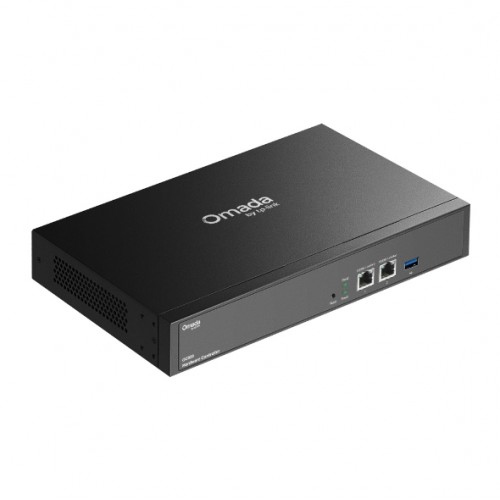
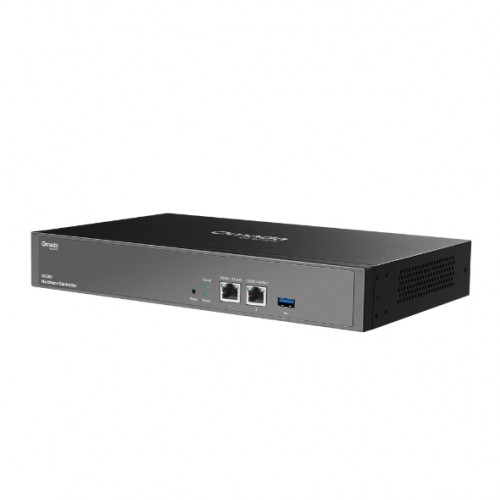
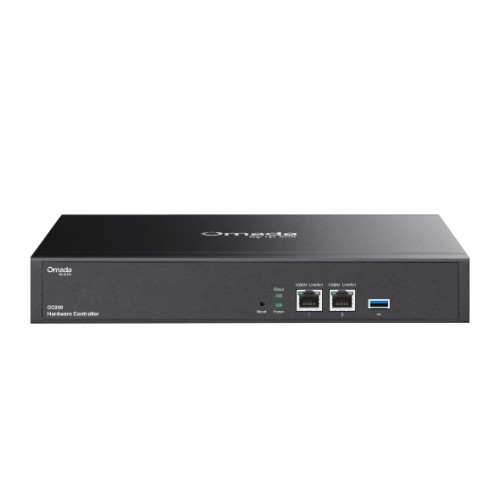
The TP-Link Omada Hardware Controller OC300 is a high‑capacity hardware controller that centralises management for Omada access points, switches, and routers, supporting up to 500 access points, 100 routers, and 100 switches from one interface. It offers both local and remote cloud-based management and features robust hardware including a metal chassis, powerful chipset, USB 3.0 backup, and dual Gigabit ports for reliable around‑the‑clock operation. It also provides advanced monitoring tools such as real-time topology, intuitive dashboards, and multi-site management to simplify deployment and troubleshooting.
Features
- Supports up to 500 Omada access points, 100 Omada routers, a maximum of 100 Omada switches, and a maximum of 5 certain DeltaStream GPON OLTs
- Manage and monitor with the Omada app or Web UI from anywhere, anytime.
- Locally monitor and manage devices with the ultimate security and stability.
- A powerful chipset, durable metal casing, USB 3.0 port for auto backup, and two Gigabit ports.
- The easy-to-use dashboard makes it simple to see the real-time network status and traffic distribution.
- Helps IT admins quickly see and troubleshoot connections at a glance.
- Wi-Fi heat map simulator, visualisable network report, and batch & multi-site management benefit network maintenance.
Technical
| Interface | • 2× 10/100/1000 Mbps Ethernet Ports • 1× USB 3.0 Port |
|---|---|
| Power Supply | 100–240 V~50/60 Hz, 0.6 A |
| Dimensions (W × D × H) | 11.6 × 7.1 × 1.7 in (294 × 180 × 44 mm) |
| Omada App | Yes |
| Centralised Management | • 500 Omada access points • 100 Omada routers • A maximum of 100 Omada switches† • A maximum of 5 certain DeltaStream GPON OLTs† |
| Cloud Access | Yes |
| L3 Management | Yes |
| Multi-site Management | Yes |
| Management Features | • Automatic Device Discovery • Batch Configuration • Batch Firmware Upgrading • Intelligent Network Monitoring • Abnormal Event Warnings • Unified Configuration • Reboot Schedule • Captive Portal Configuration |
| Certification | CE, FCC, RoHS |
| Package Content | • Omada Hardware Controller OC300 • Quick Installation Guide • Ethernet Cable • Power Cord • Rackmount Kit |
| System Requirements | Microsoft Windows 10, 8, 7, Vista, XP or macOS, NetWare, UNIX or Linux |
| Environment | • Operating Temperature: 0–50 °C (32–122 °F) • Storage Temperature: -40–70 °C (-40–158 °F) • Operating Humidity: 10–90% RH non-condensing • Storage Humidity: 5–90% RH non-condensing |
Kit Contents
- 1x Omada Hardware Controller OC300
- 1x Quick Installation Guide
- 1x Ethernet Cable
- 1x Power Cord
- 1x Rackmount Kit